

Tester invitation
Test 9 to Fiver
Thank you for offering your time. Early testers make 9 to Fiver better for everyone, and we really appreciate you. Here's how to join in four small steps.
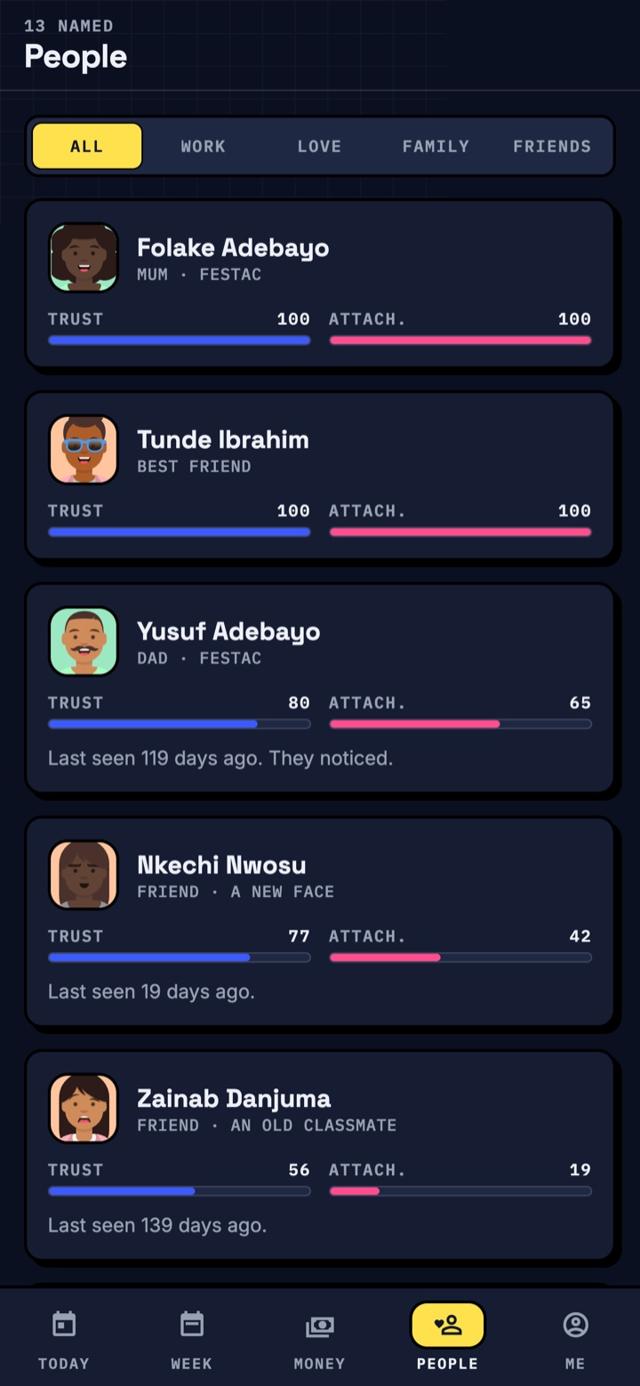
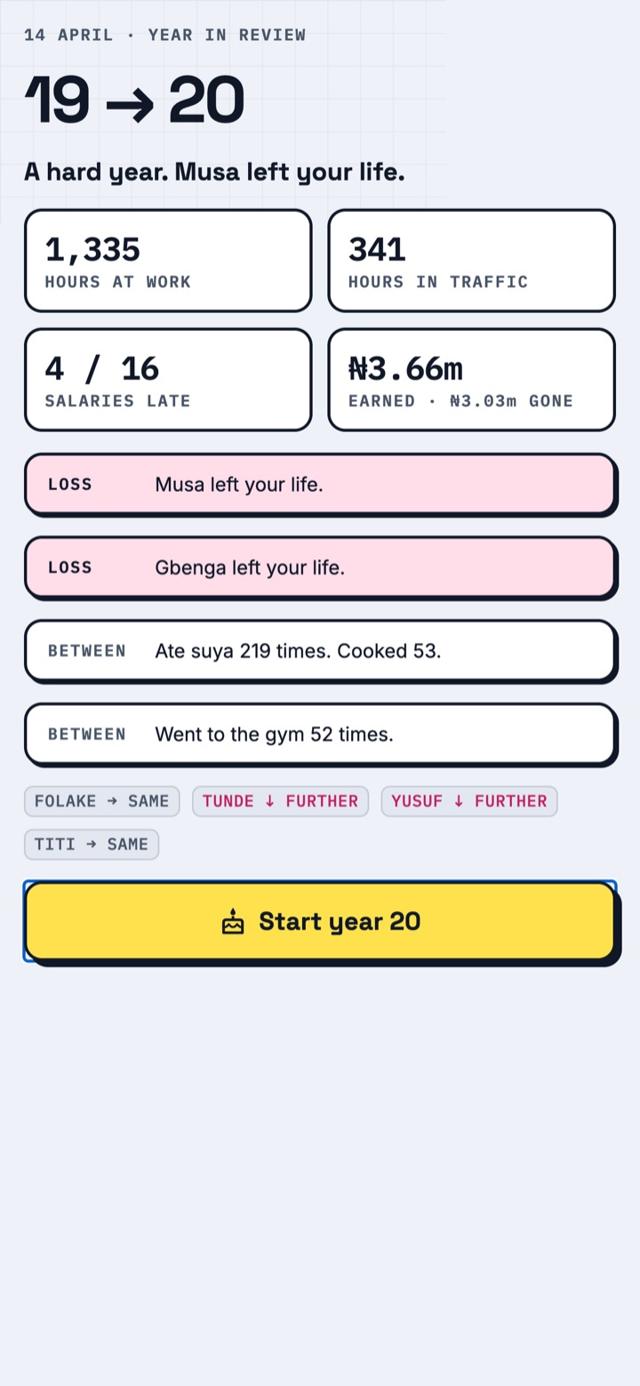
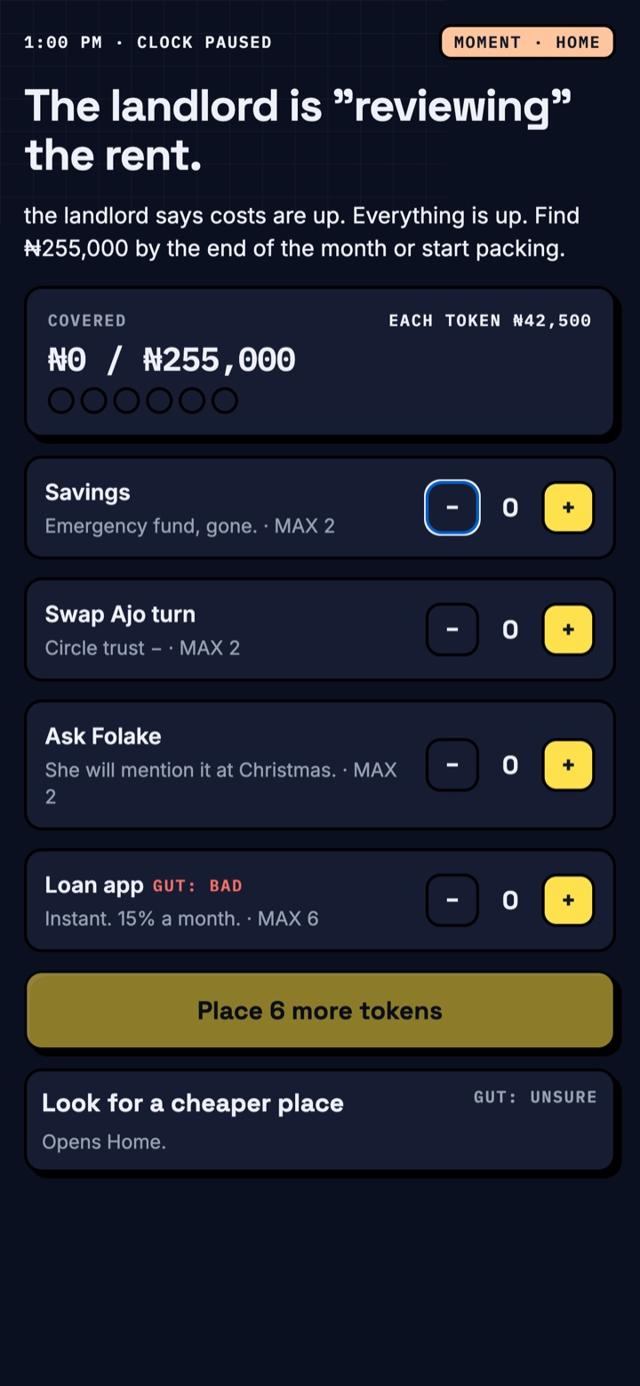
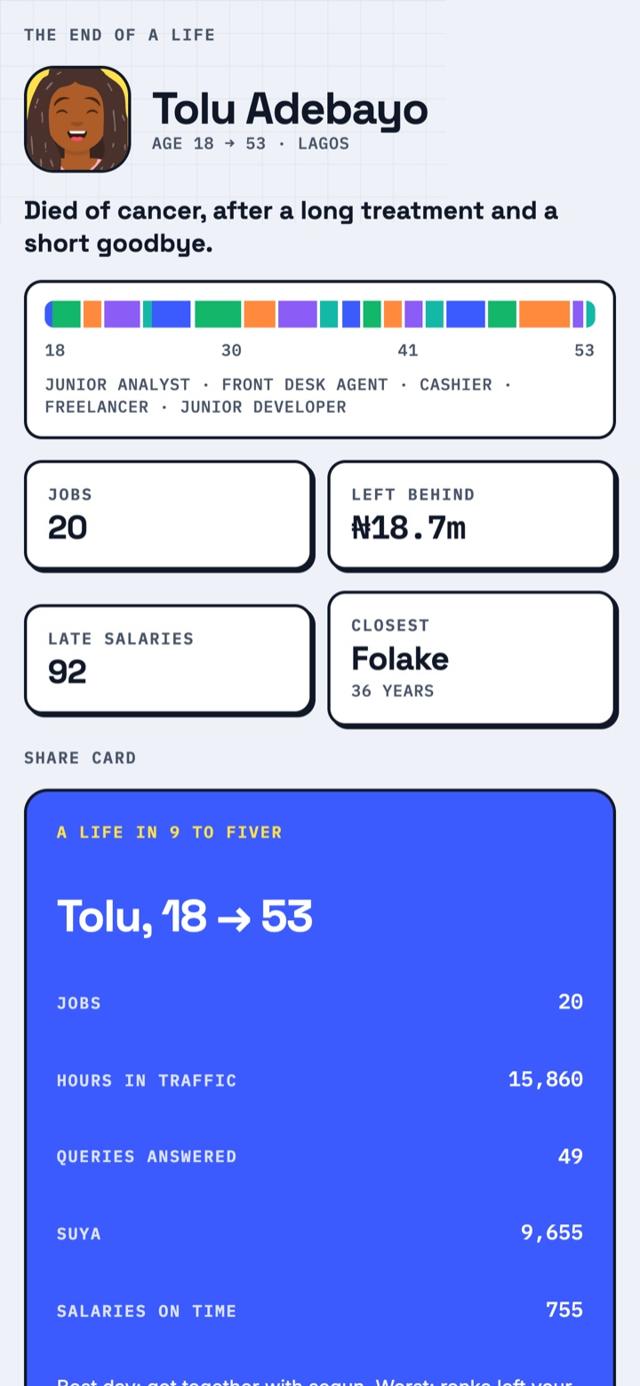
A life simulator on a planner. Start on your 18th birthday and live one whole life: jobs, rent, love, friends, family and health. Time runs on its own and stops when life asks you something. Fully offline.
A peek at the game
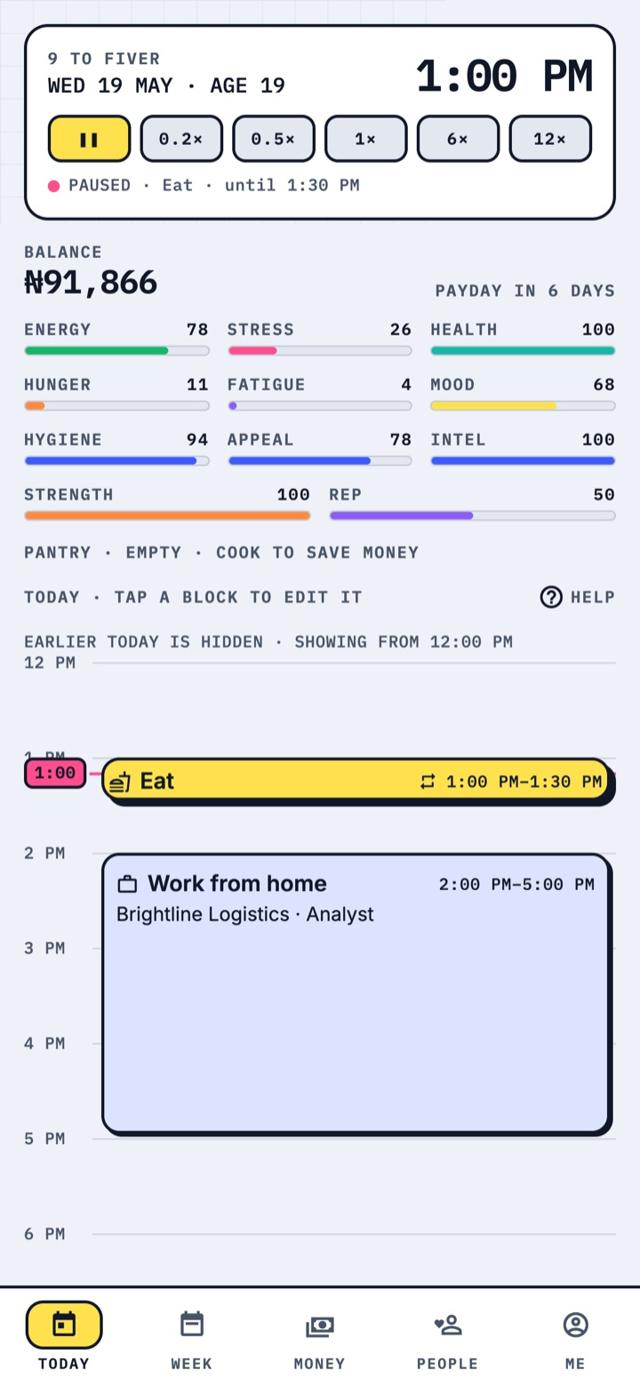
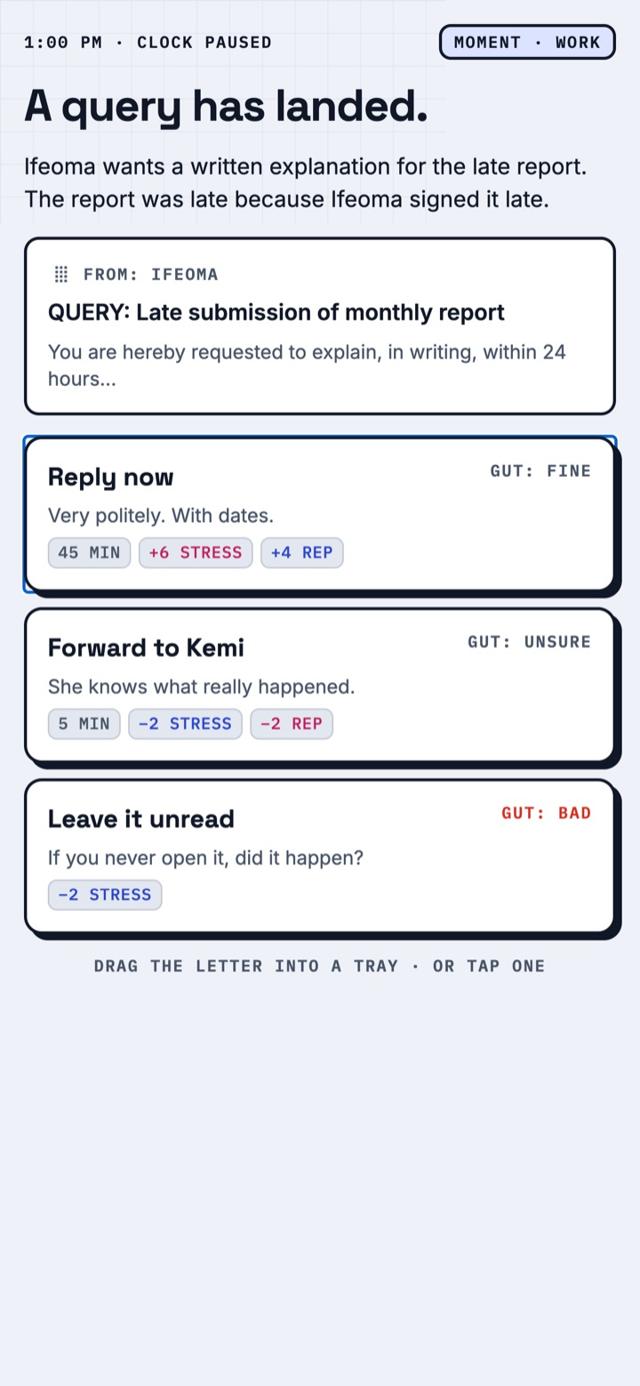
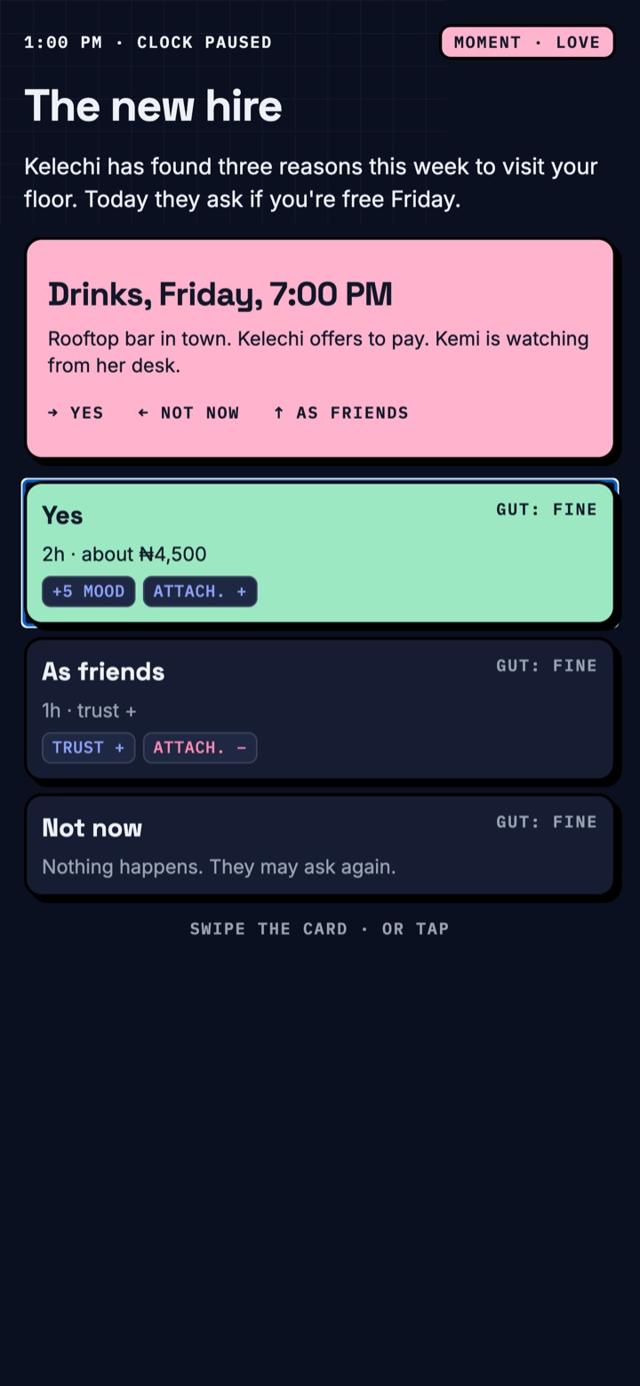
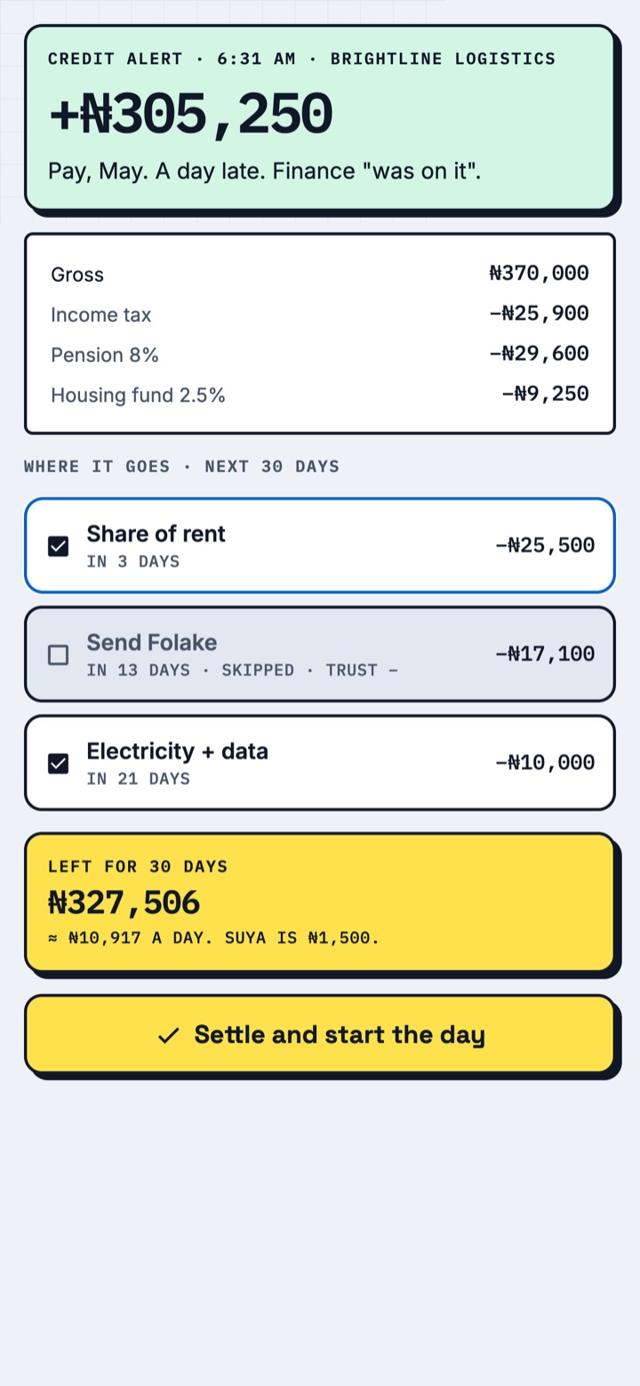
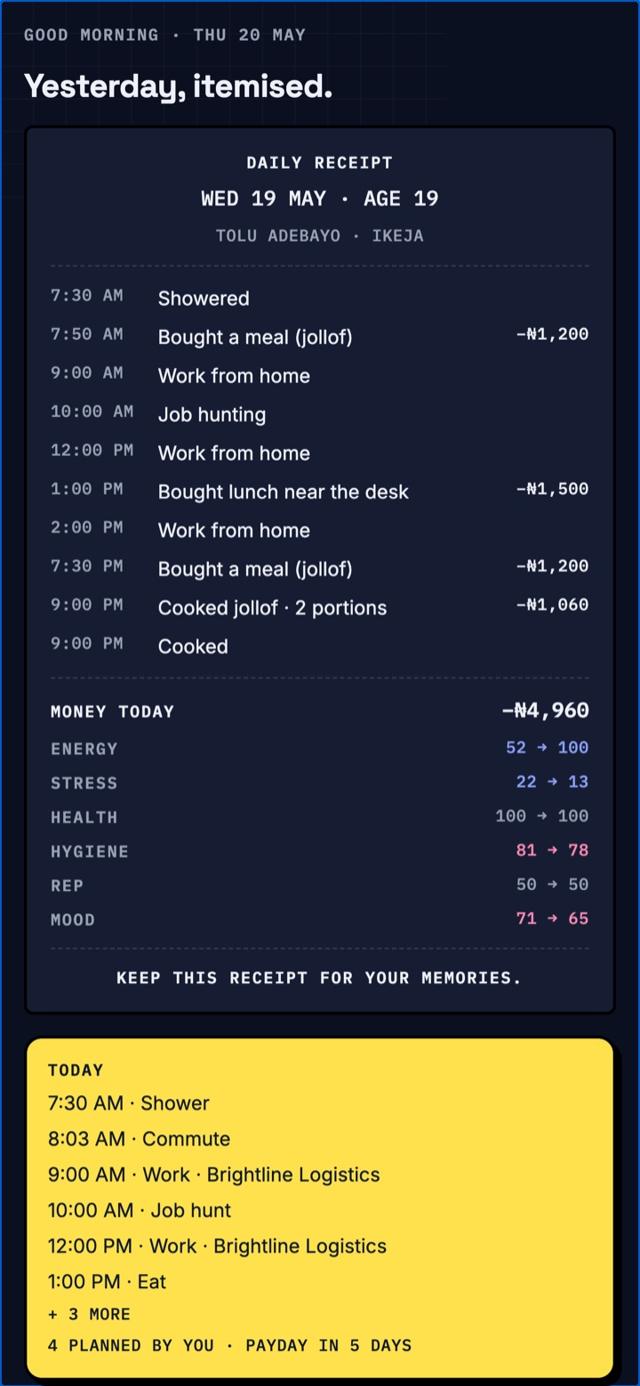
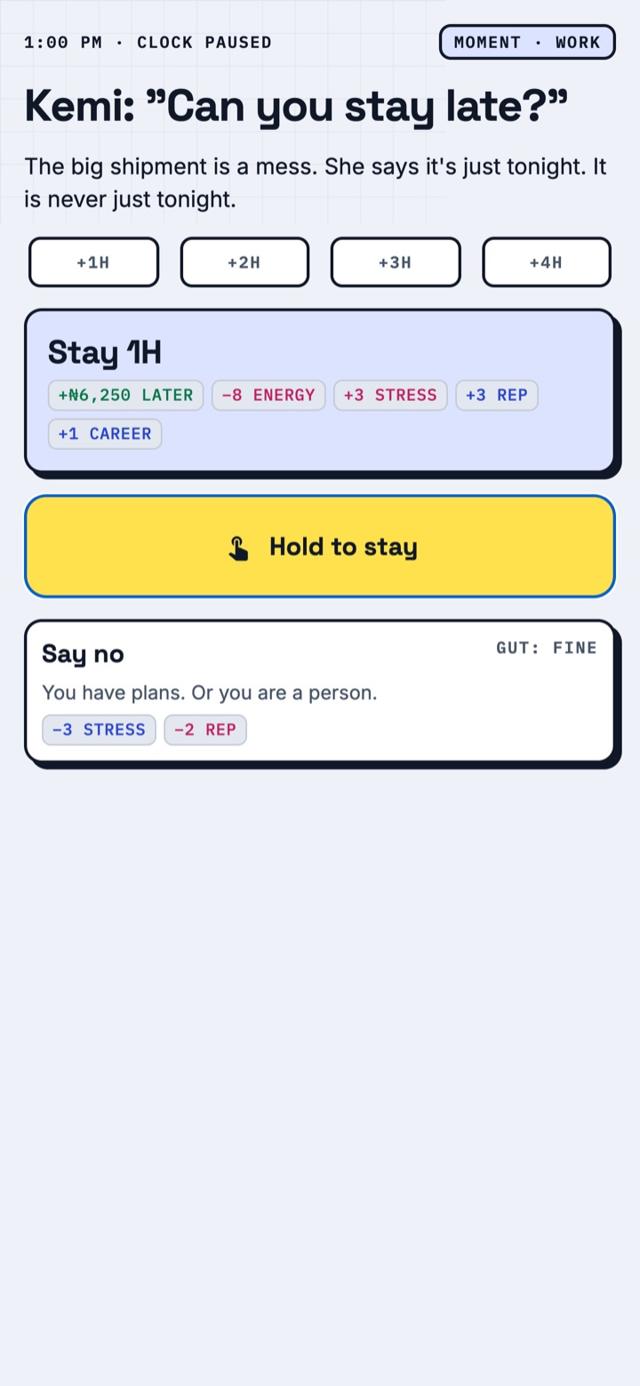
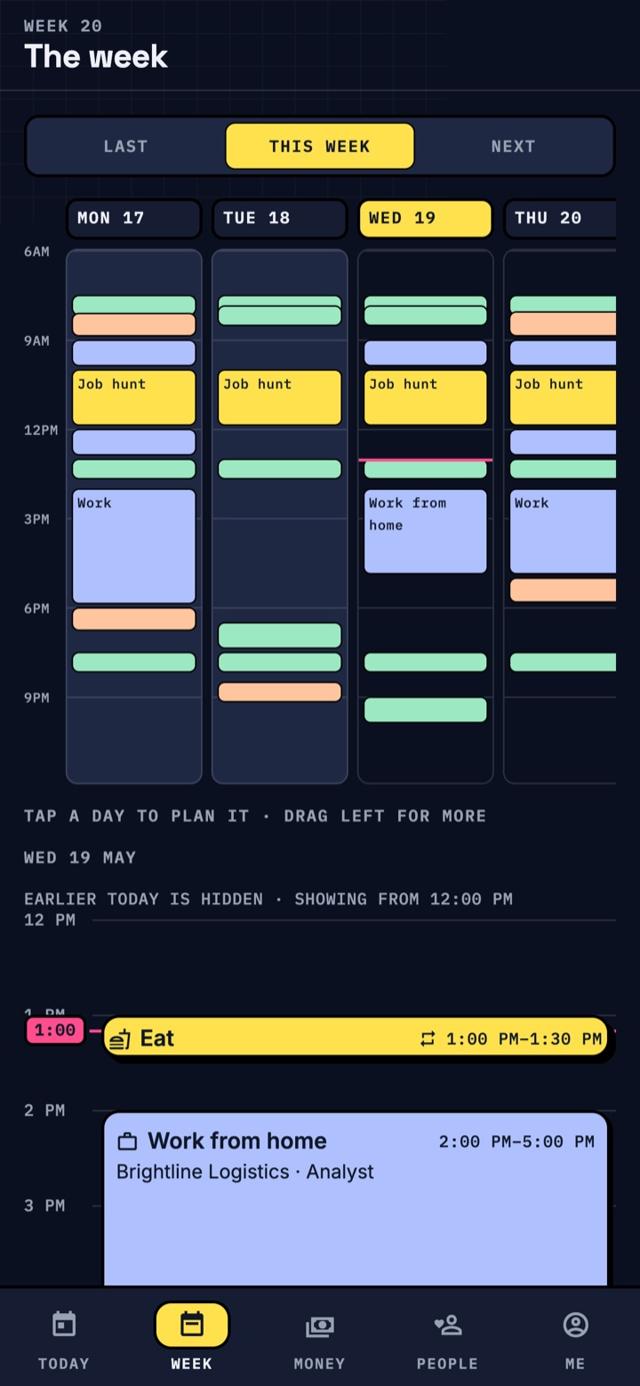
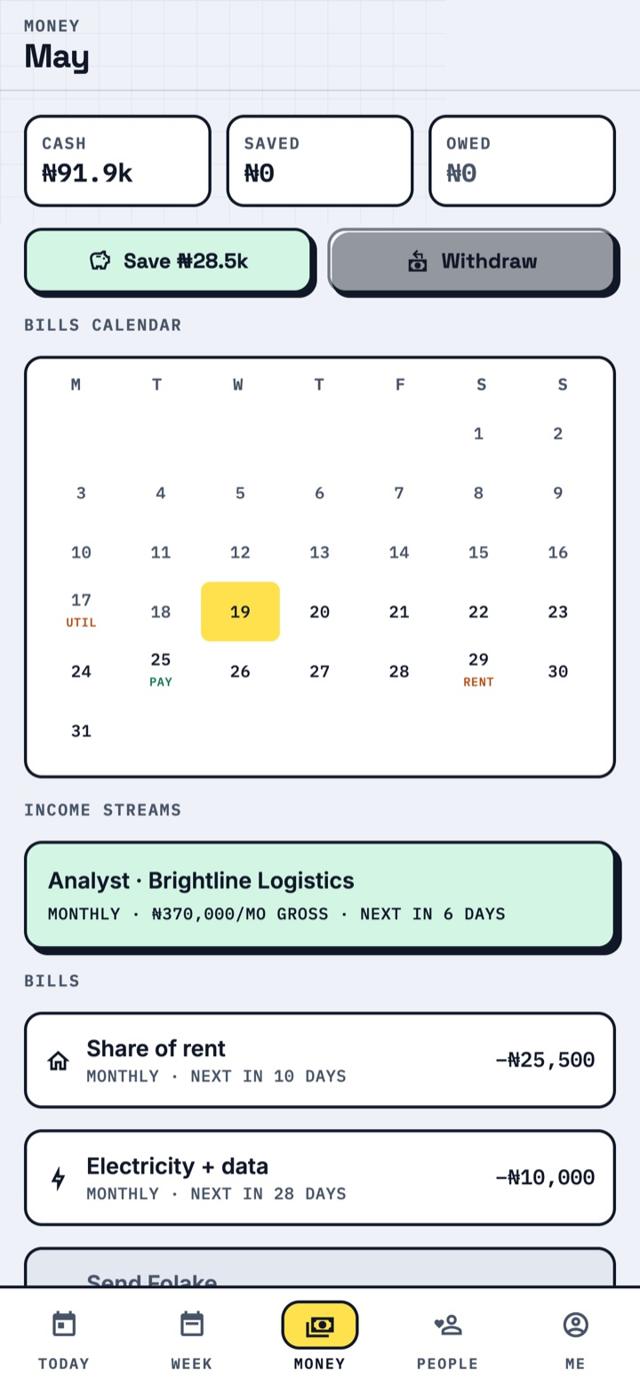
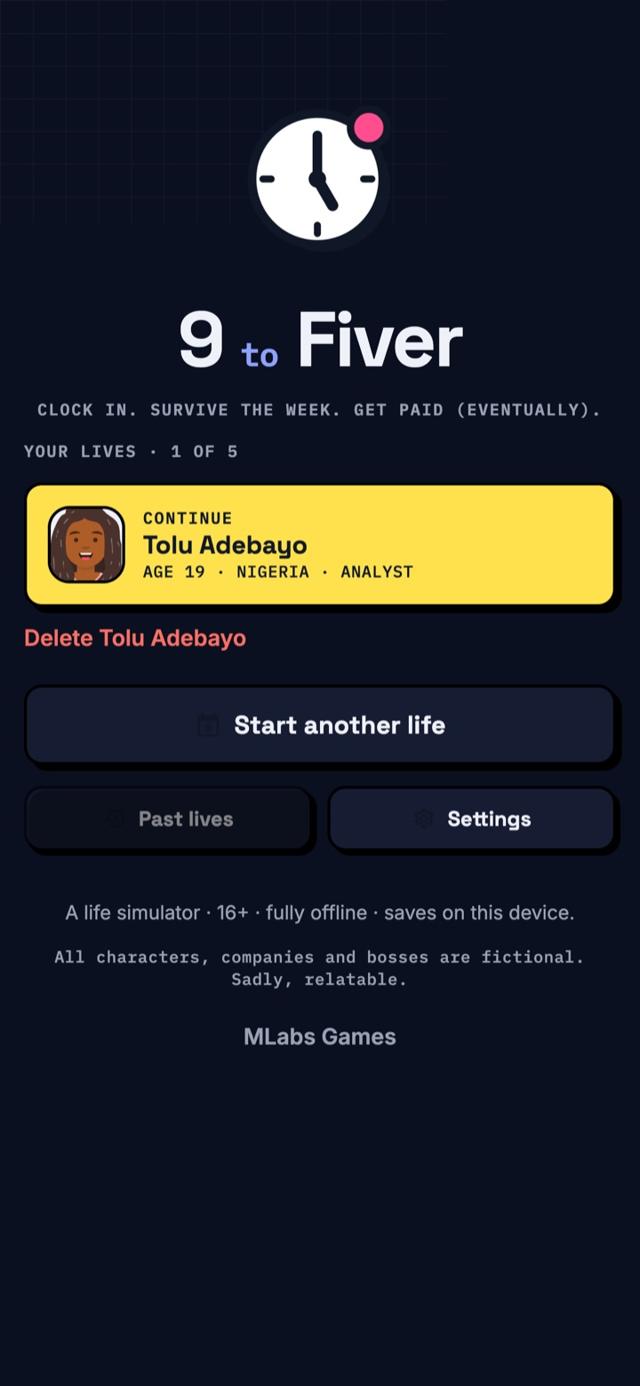
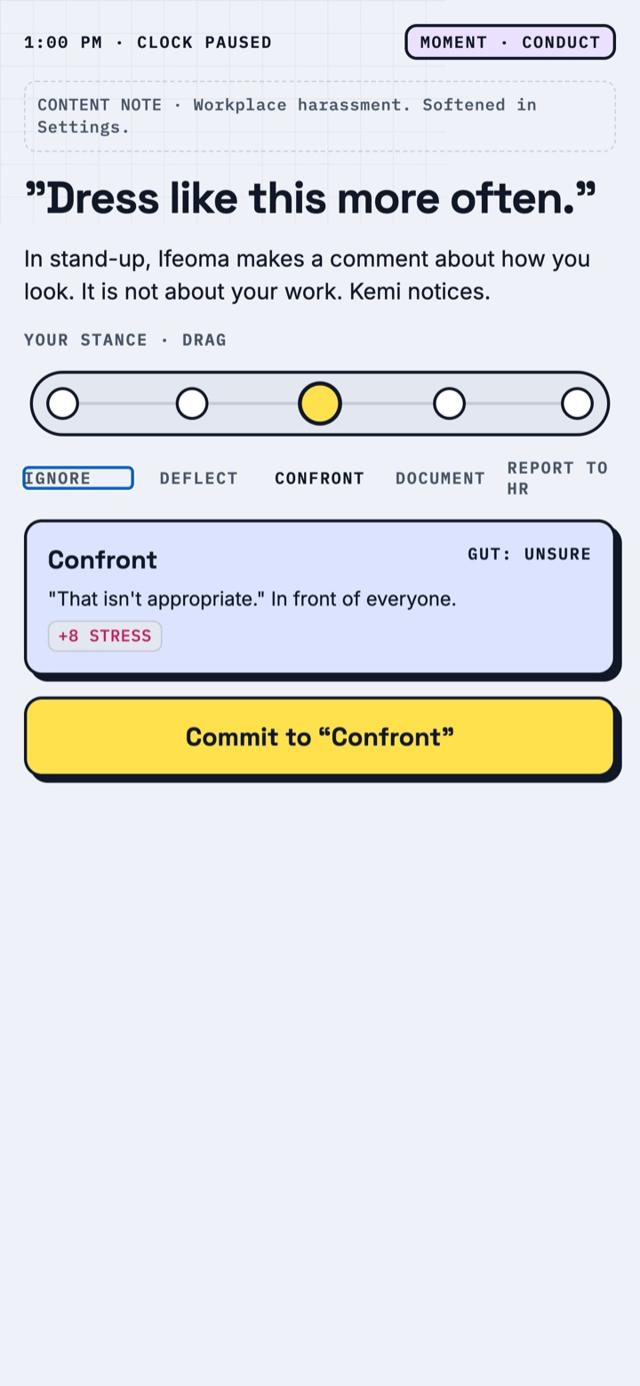
1. Join the 9 to Fiver Testers Google Group
New to Google Groups? It's just a mailing list that tells Google you're allowed to test. Sign in with the Google account you use on Play Store, tap "Join group", and you're in. You can mute its emails any time.
Join the group ↗2. Become a tester on Google Play
Once you've joined, open this page on the same Google account and tap "Become a tester". It can take a few minutes to start working.
Become a tester ↗3. Download 9 to Fiver
Now the game is yours to install from the Play Store. Look for the “Early access” or “Tester” label.
Open in Play Store ↗4. Play and tell us what you think
Play like you normally would. Every bug, confusing moment and wish helps us. Leave feedback on the Play Store page or reply to any email from us.
What we'd love you to try
- Live a few in-game years and see how jobs, rent and relationships play out.
- Tell us about anything that feels unbalanced, buggy or confusing.